
Android Deep Link Vulnerabilities and Account Security
Clicking one shortened link can lead to a full account takeover. Learn how deep links leak tokens and how to protect your device from mobile phishing.

Best quote from Android Deep Link Vulnerabilities and Account Security
The vulnerability happens when the app doesn't check where it’s sending that token; if an attacker uses a deep link to tell the app to open a URL pointing to their server, the app effectively hands over the keys to the kingdom.

This audio lesson was created by a BeFreed community member
How to use shortened urls, and hack anyones accounts without them knowing, how to do all thia free on android with nothing but free websites, (from the perspective)

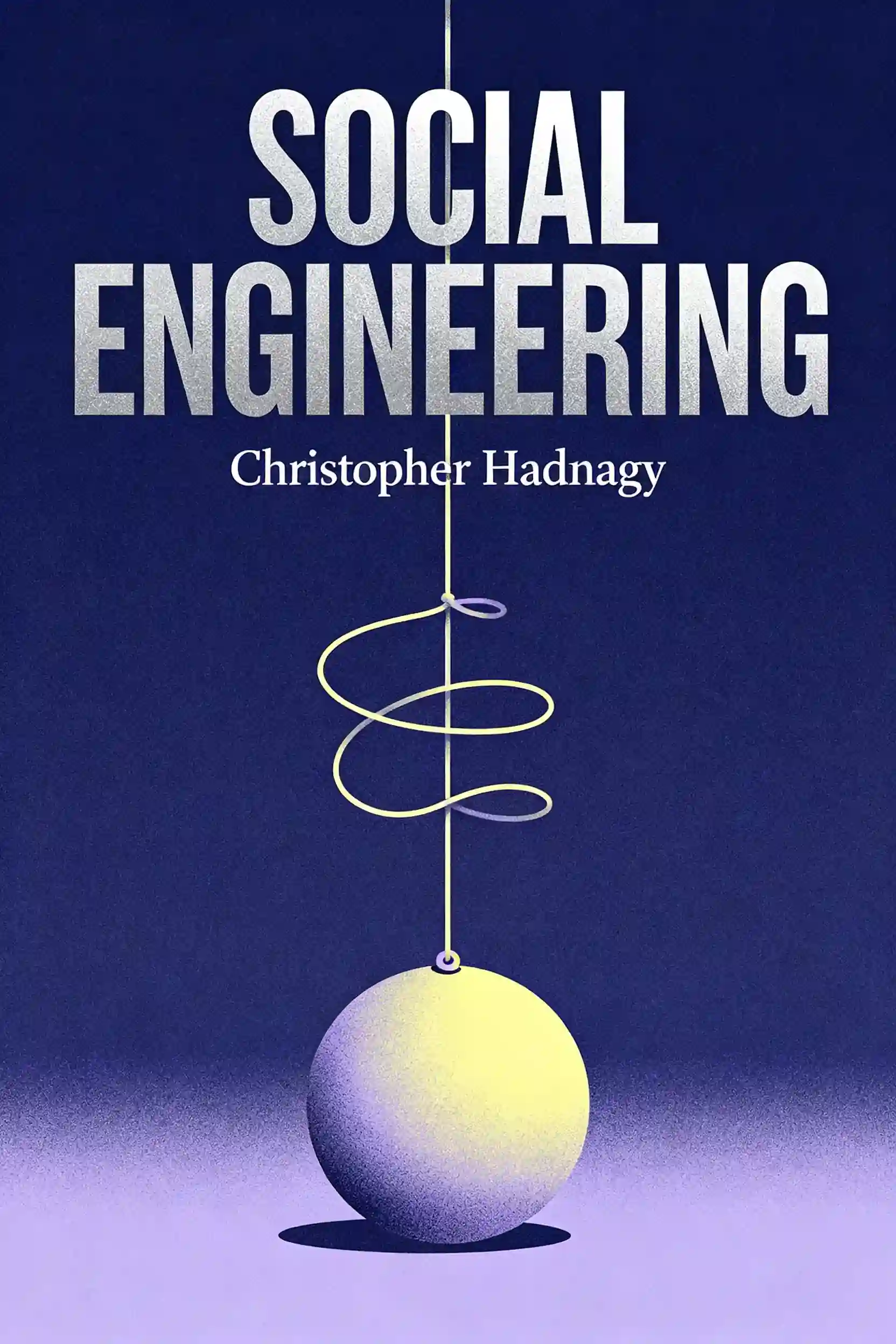
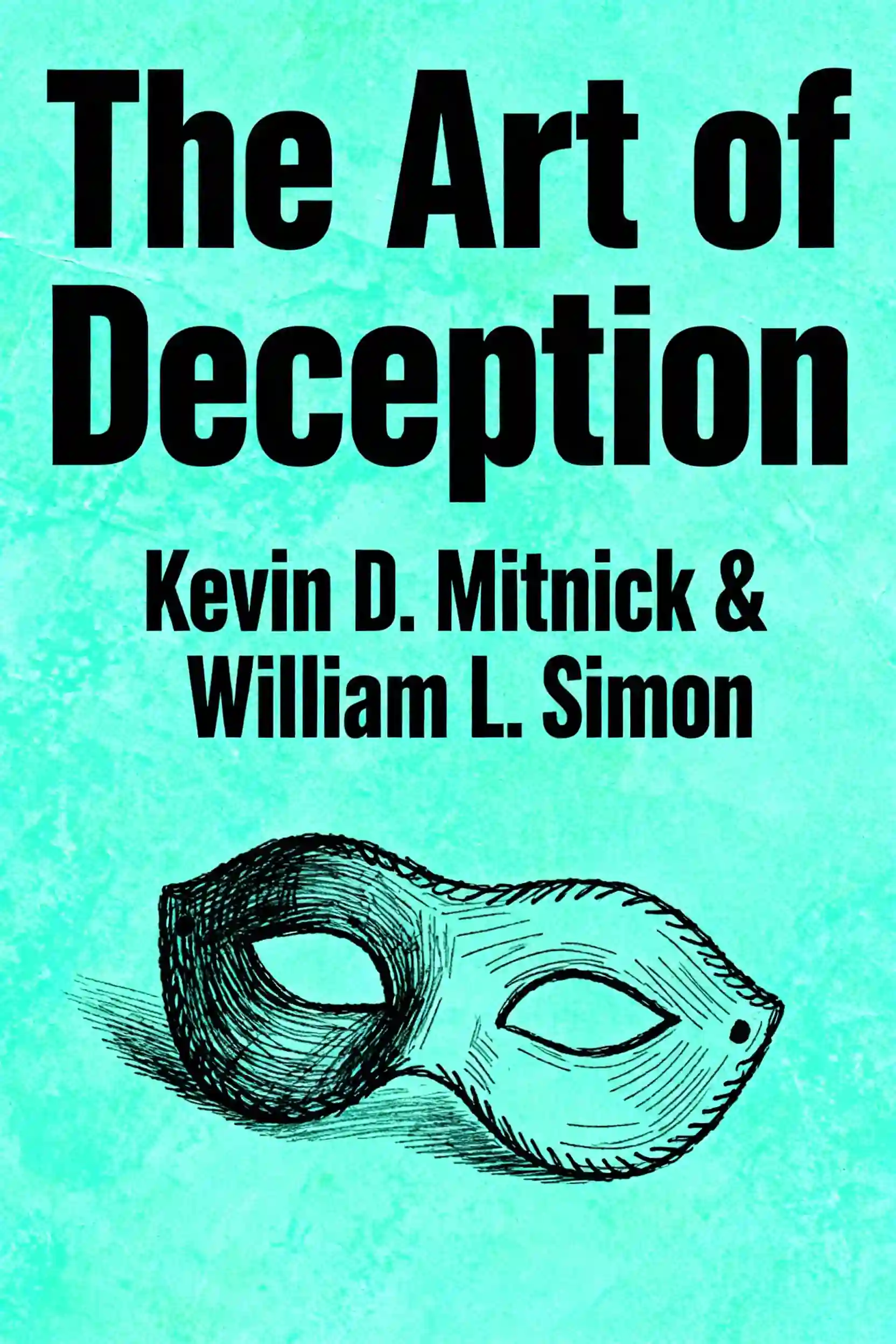
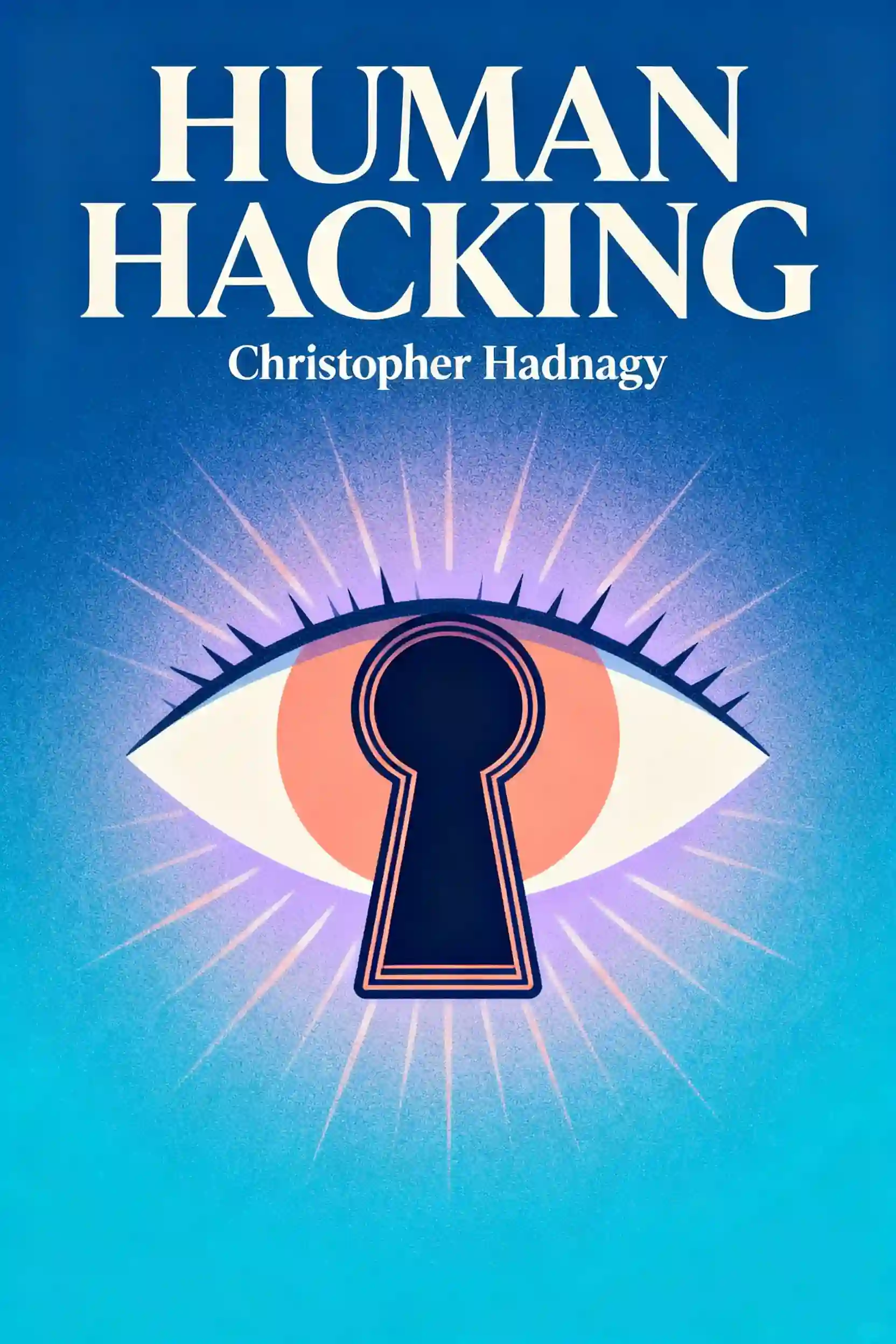
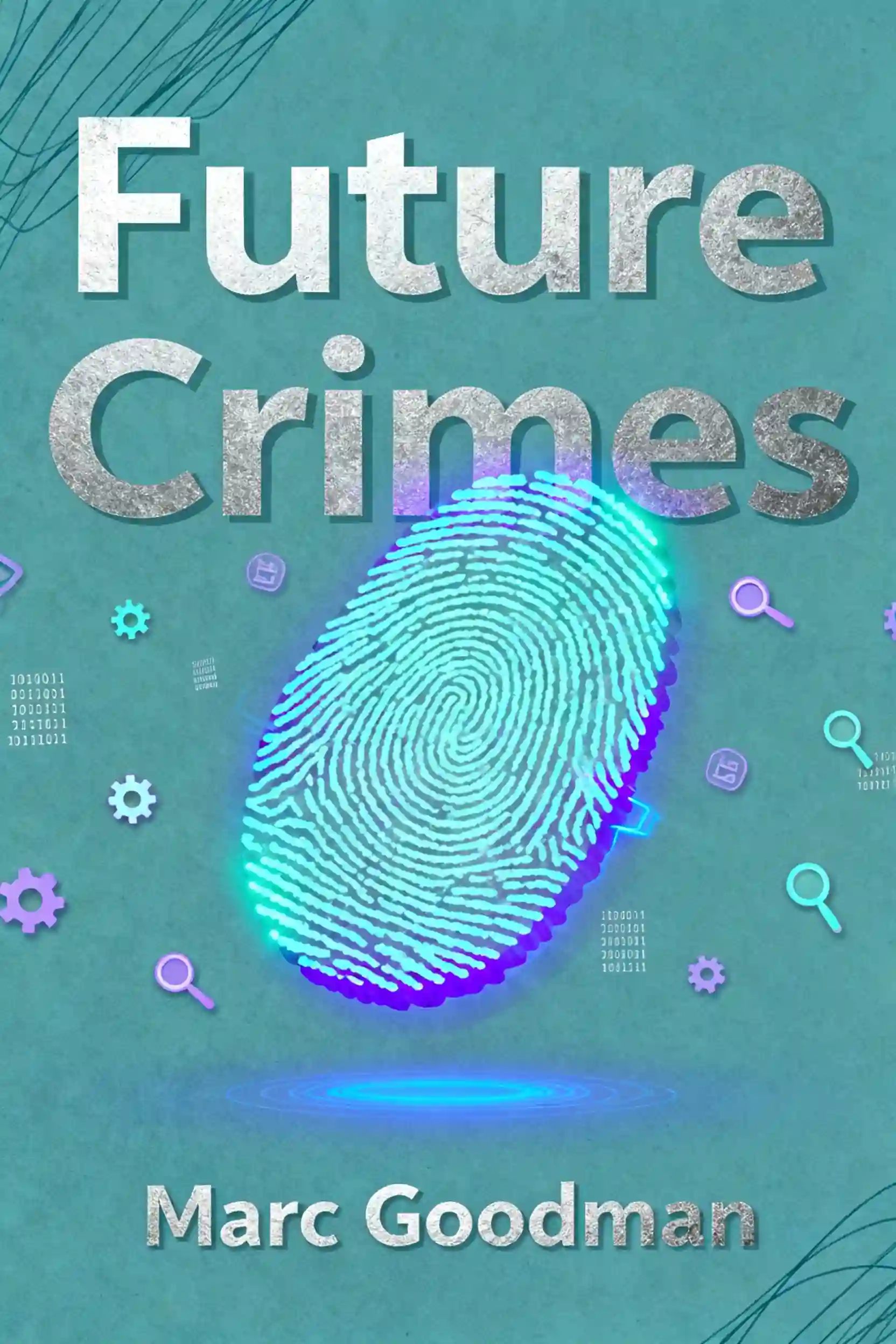
Frequently Asked Questions
Browsable activities are specific "doors" in an app's code that allow it to be opened directly by a web link or another application. Developers use them for convenience, such as allowing a link in an email to open a specific product page inside an app. However, if these activities are not properly secured, an attacker can send a malicious "intent" URL that forces the app to perform unintended actions, such as leaking private data or changing account settings, without the user's knowledge.
Attackers use URL shorteners to mask suspicious-looking technical links, making them appear as benign news articles or discount codes. Beyond just hiding the destination, these services provide attackers with free analytics dashboards that reveal the victim's IP address, device type, and geographic location. Some services even allow "Smart URLs" that show harmless content to security researchers while delivering a malicious payload only to mobile users, effectively bypassing automated security scanners.
Unconditional token appending occurs when an app is programmed to automatically attach a user's private authentication token to every URL it opens in its internal browser, or WebView. This is often intended to keep the user logged in while they browse the company's own site. The vulnerability arises when the app fails to verify the destination; if a malicious link forces the app to open an attacker's website, the app will "hand over" the user's login token to that site, allowing the attacker to hijack the account.
Many popular URL shortening services have built-in "preview" features that allow users to see the final destination and analytics without actually triggering the link. For T.ly links, users can add a plus sign (+) to the end of the URL. For Is.gd links, adding a hyphen (-) to the end provides a similar preview. Using these "X-ray" tricks allows a user to verify if a link is pointing to a legitimate website or a suspicious deep link before any data is compromised.
A standard deep link relies on the Android system to guess which app should open a URL, which can lead to "copycat" apps intercepting the link to steal information like password reset tokens. In contrast, Verified App Links use "Digital Asset Links," a system where a developer hosts a cryptographic file on their website to prove ownership of the app. This creates a secure "handshake" that ensures only the official, legitimate app can open specific links, making deep link hijacking virtually impossible.
Discover more

Protect iPhone privacy after multiple hacks
Protect iPhone privacy after multiple hacks
With iPhone hacks becoming increasingly sophisticated, understanding how to protect your personal data is essential for digital safety. This learning plan provides practical security strategies for anyone who has experienced a breach or wants to prevent future compromises of their sensitive information.

Learn ethical payment hacking
Learn ethical payment hacking
As digital payments grow exponentially, the security of these systems becomes increasingly critical. This learning plan equips cybersecurity professionals and aspiring ethical hackers with specialized skills to identify and address vulnerabilities in payment infrastructures while maintaining the highest ethical standards.
AI Hacking, Cybersec & Bug Bounties
AI Hacking, Cybersec & Bug Bounties
As cyber threats evolve with artificial intelligence, mastering both traditional penetration testing and AI security is essential for modern defenders. This plan is ideal for aspiring ethical hackers and security professionals looking to monetize their skills through bug bounties and advanced threat detection.

Deep web search, coding, and history.
Deep web search, coding, and history.
The internet we regularly access represents only a fraction of the digital world. This learning plan provides essential knowledge for understanding the deep web, developing coding skills, and appreciating internet history—ideal for cybersecurity enthusiasts, developers, and anyone seeking to navigate the digital landscape more effectively.
AI & Machine/Deep Learning
AI & Machine/Deep Learning
This comprehensive learning plan is essential for anyone looking to understand and work with the technologies reshaping our world. Whether you're a software engineer expanding into AI, a data professional seeking deeper technical knowledge, or a technical leader needing to understand AI capabilities, this path takes you from foundational concepts through advanced implementations to future-focused perspectives on where AI is heading.

Become expert in AI security
Become expert in AI security
As AI integration accelerates, securing these systems against sophisticated attacks has become a critical technical priority. This plan is ideal for cybersecurity professionals and data scientists looking to master adversarial defense and privacy-preserving implementation.

Drive app traffic and user signups
Drive app traffic and user signups
In the competitive app economy, simply launching a product isn't enough; you need a systematic approach to scale and retain users. This plan is designed for growth marketers and product managers who want to master the full funnel from acquisition to long-term engagement.
Build relationship security
Build relationship security
Relationship security is the foundation of lasting, fulfilling partnerships, yet many people struggle with trust, communication, and intimacy due to unexamined attachment patterns. This learning plan is ideal for anyone seeking to understand their relationship behaviors, improve emotional connections with partners, or break cycles of insecurity and conflict in their romantic relationships.
From Columbia University alumni built in San Francisco
"Instead of endless scrolling, I just hit play on BeFreed. It saves me so much time."


"I never knew where to start with nonfiction—BeFreed’s book lists turned into podcasts gave me a clear path."


"Perfect balance between learning and entertainment. Finished ‘Thinking, Fast and Slow’ on my commute this week."
"Crazy how much I learned while walking the dog. BeFreed = small habits → big gains."
"Reading used to feel like a chore. Now it’s just part of my lifestyle."

"Feels effortless compared to reading. I’ve finished 6 books this month already."
"BeFreed turned my guilty doomscrolling into something that feels productive and inspiring."

"BeFreed turned my commute into learning time. 20-min podcasts are perfect for finishing books I never had time for."
"BeFreed replaced my podcast queue. Imagine Spotify for books — that’s it. 🙌"

"It is great for me to learn something from the book without reading it."
"The themed book list podcasts help me connect ideas across authors—like a guided audio journey."
"Makes me feel smarter every time before going to work"
From Columbia University alumni built in San Francisco
"Instead of endless scrolling, I just hit play on BeFreed. It saves me so much time."
"I never knew where to start with nonfiction—BeFreed’s book lists turned into podcasts gave me a clear path."
"Perfect balance between learning and entertainment. Finished ‘Thinking, Fast and Slow’ on my commute this week."
"Crazy how much I learned while walking the dog. BeFreed = small habits → big gains."
"Reading used to feel like a chore. Now it’s just part of my lifestyle."
"Feels effortless compared to reading. I’ve finished 6 books this month already."
"BeFreed turned my guilty doomscrolling into something that feels productive and inspiring."
"BeFreed turned my commute into learning time. 20-min podcasts are perfect for finishing books I never had time for."
"BeFreed replaced my podcast queue. Imagine Spotify for books — that’s it. 🙌"
"It is great for me to learn something from the book without reading it."
"The themed book list podcasts help me connect ideas across authors—like a guided audio journey."
"Makes me feel smarter every time before going to work"
"Instead of endless scrolling, I just hit play on BeFreed. It saves me so much time."
"I never knew where to start with nonfiction—BeFreed’s book lists turned into podcasts gave me a clear path."
"Perfect balance between learning and entertainment. Finished ‘Thinking, Fast and Slow’ on my commute this week."
"Crazy how much I learned while walking the dog. BeFreed = small habits → big gains."
"Reading used to feel like a chore. Now it’s just part of my lifestyle."
"Feels effortless compared to reading. I’ve finished 6 books this month already."
"BeFreed turned my guilty doomscrolling into something that feels productive and inspiring."
"BeFreed turned my commute into learning time. 20-min podcasts are perfect for finishing books I never had time for."
"BeFreed replaced my podcast queue. Imagine Spotify for books — that’s it. 🙌"
"It is great for me to learn something from the book without reading it."
"The themed book list podcasts help me connect ideas across authors—like a guided audio journey."
"Makes me feel smarter every time before going to work"
"Instead of endless scrolling, I just hit play on BeFreed. It saves me so much time."
"I never knew where to start with nonfiction—BeFreed’s book lists turned into podcasts gave me a clear path."
"Perfect balance between learning and entertainment. Finished ‘Thinking, Fast and Slow’ on my commute this week."
"Crazy how much I learned while walking the dog. BeFreed = small habits → big gains."
"Reading used to feel like a chore. Now it’s just part of my lifestyle."
"Feels effortless compared to reading. I’ve finished 6 books this month already."
"BeFreed turned my guilty doomscrolling into something that feels productive and inspiring."
"BeFreed turned my commute into learning time. 20-min podcasts are perfect for finishing books I never had time for."
"BeFreed replaced my podcast queue. Imagine Spotify for books — that’s it. 🙌"
"It is great for me to learn something from the book without reading it."
"The themed book list podcasts help me connect ideas across authors—like a guided audio journey."
"Makes me feel smarter every time before going to work"


